Kakobuy listing images and QC photos serve different jobs. A listing introduces a product and its intended options; warehouse quality-control images show what arrived after an order. Treating them as identical creates avoidable mistakes. The practical question is not whether one image is more attractive, but whether the two sets of evidence support the exact variation, size, construction, and parcel plan you recorded.
A sound comparison begins before an agent route is used. Save the product detail link, seller title, selected colour or variation, relevant measurements, and two or three visual features that matter. Later, QC photos can be compared against this record instead of against a vague memory. This approach does not guarantee a product will suit every buyer. It does make uncertainty visible early enough to make a sensible decision.
Understand what each image set can prove
Seller listing images are useful for discovery. They can show the overall model, styling idea, colour range, advertised fabric, and available options. They may also be edited, taken in flattering light, or based on a sample. Use them to identify what you expect, not as final proof of every detail. Read the seller page alongside the images: option names, measurements, material notes, and visible conditions are all part of the evidence.
QC photos are warehouse evidence. They help confirm identity after the item reaches the agent route: size label, selected variation, apparent colour, main construction, packaging, and obvious defects. They too have limits. A photo angle can hide a seam, warehouse light can shift a colour, and a ruler image needs a clear start and end point. A good workflow compares images feature by feature rather than demanding impossible certainty from a single photograph.
Make a simple expectation list while the seller page is open. For a sneaker, record size label, toe shape, sole profile, pair symmetry, and any distinctive panel. For a top, record chest measurement, length, print placement, neckline, and cuffs. For trousers, save waist method, rise, inseam, and hem. For a bag, capture dimensions, closures, strap attachments, and hardware. These points become an efficient QC checklist rather than a generic request for more photos.
Compare the identity before judging minor details
Start a QC review by asking whether the warehouse item is the product you selected. Confirm the category, model, visible option, and size label first. An impressive close-up is not useful if the wrong colour or variant arrived. Compare the overall silhouette and the large, repeatable details: pocket locations, panel layout, sole shape, print position, zipper placement, and hardware type. If these do not agree, pause the review and check the order record before spending time on small marks.
Then move from broad evidence to precise evidence. Look for consistent details across more than one seller image and more than one QC view. A single listing thumbnail can be misleading; repeated stitching placement or a repeated graphic location is more informative. When a difference appears, classify it. It may be a normal lighting change, an unconfirmed measurement, a seller-page ambiguity, or an actual mismatch. This prevents a buyer from treating every small visual difference as a defect while still noticing the differences that matter.
Use clear questions through the warehouse process. Ask for a chest width laid flat, an insole measurement, a close view of one specific seam, or a photo of a label. Avoid requests such as “check quality” because they give no measurable target. The best QC requests name the product, measurement method, and the evidence needed. They also create notes that can be reviewed later if the parcel contains several items.
Put sizing and seller details ahead of aesthetic choices
Fit problems are often more costly than a small visual difference. A familiar letter size means little without a seller-specific chart and measurement method. Compare a garment that already fits with the product dimensions. Note whether chest width is measured flat, whether a waist is relaxed or stretched, and whether a shoe measurement refers to an insole or outsole. Leave room for the fit you want: close, regular, oversized, or layered. A thick hoodie under a jacket requires a different allowance than a light shirt worn alone.
Seller details should be saved before ordering, including variation wording, available sizes, any material claim, and the date checked. If a page changes later, this record explains what you expected when the link was selected. A changed listing is not automatically a bad listing, but it is a reason to recheck. Keep a relevant backup link for an important item rather than forcing an uncertain choice through the warehouse.
Measurements in QC images should be judged with the same method as the seller chart. A ruler placed diagonally, a folded hem, or a stretched elastic waist can produce a misleading number. If one measurement determines whether an item is usable, ask for a clear retake and state exactly where to measure. This is a practical quality-control step, not an argument about a photograph.
Plan QC decisions as part of shipping
Quality control is not the final stage; it informs a parcel decision. Review which items are bulky, rigid, fragile, or likely to add volumetric weight. Shoe boxes, thick outerwear, structured bags, and heavy hardware can change freight costs and packaging choices. An item that passes visual QC may still be unsuitable for the current shipment if its volume changes the balance of the whole parcel.
Before approving shipping, check current destination restrictions, offered route details, packaging options, insurance choices, and estimated time windows. Do not assume that a product price predicts final landed cost. A thoughtful Kakobuy workflow keeps the product link, QC decision, and shipping note together, so you can compare alternatives without losing the original reasoning. Save final QC photos and parcel data for later research, especially when a measurement or package choice worked well.
When an image difference remains unresolved, choose deliberately. Ask for one additional targeted photo, keep the item pending while comparing the seller detail, or use the backup option if the uncertainty is material. The aim is not a perfect image archive. It is a decision supported by enough evidence for your budget, fit needs, and international shipping plan.
Six Outfitreps pages to practise image comparisons
These current product-detail pages provide six different comparison exercises. They are research examples, not purchase recommendations. Each image and button goes to the same Outfitreps product detail page. Open the current seller information, define the relevant identity and measurement checks, then decide what a useful warehouse photo would need to show.
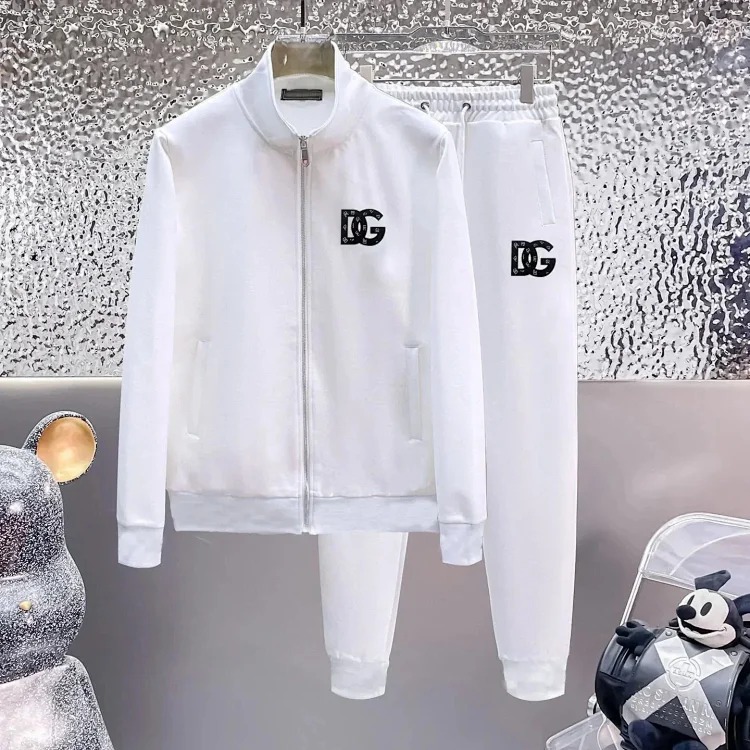
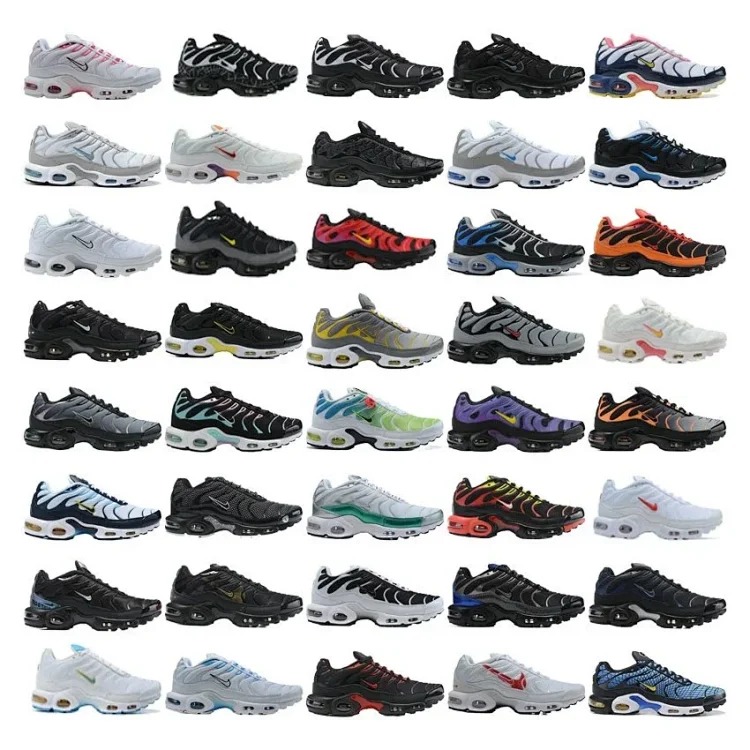
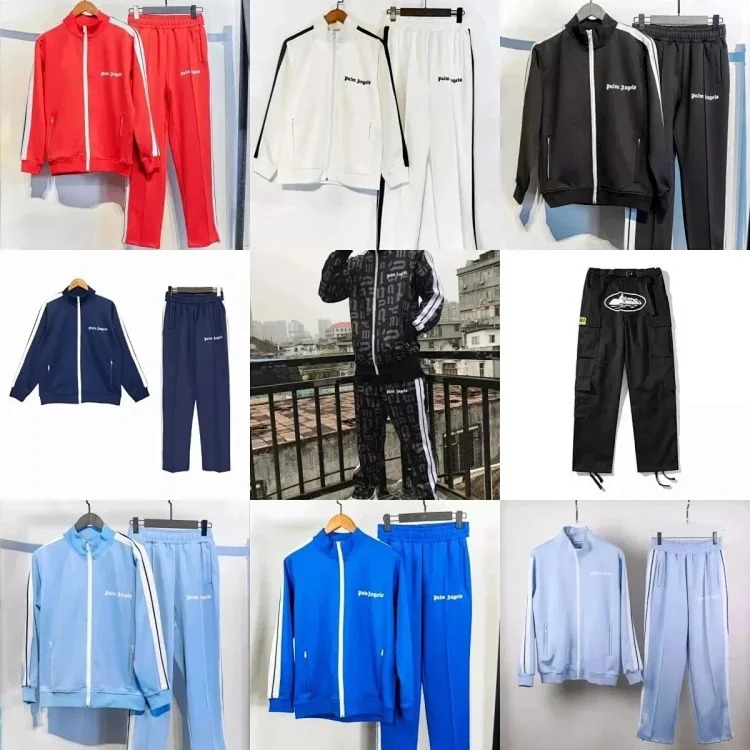
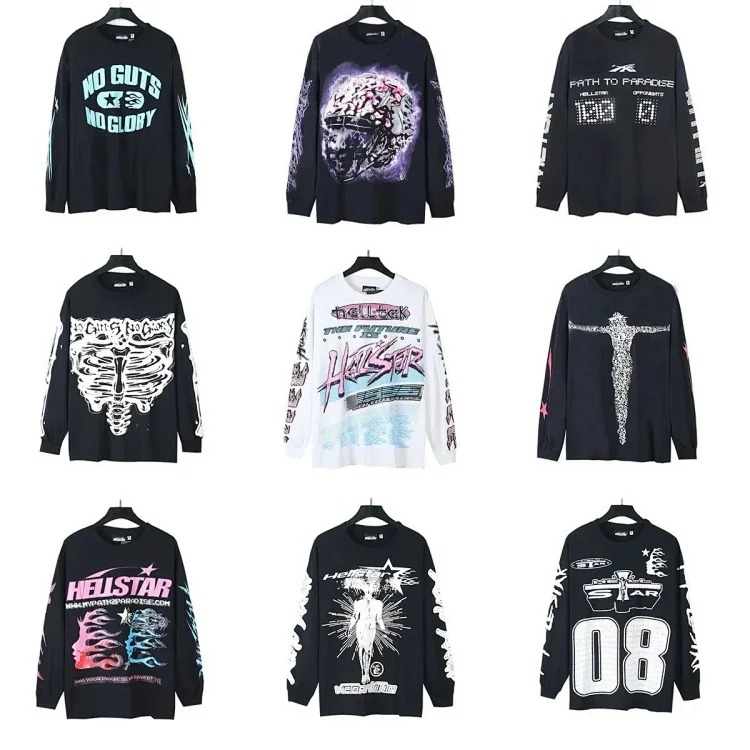
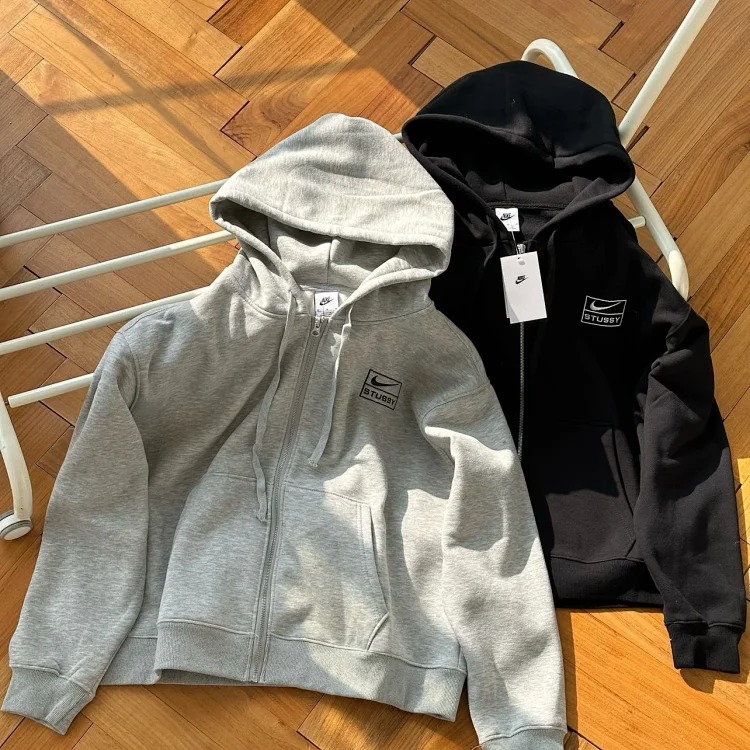
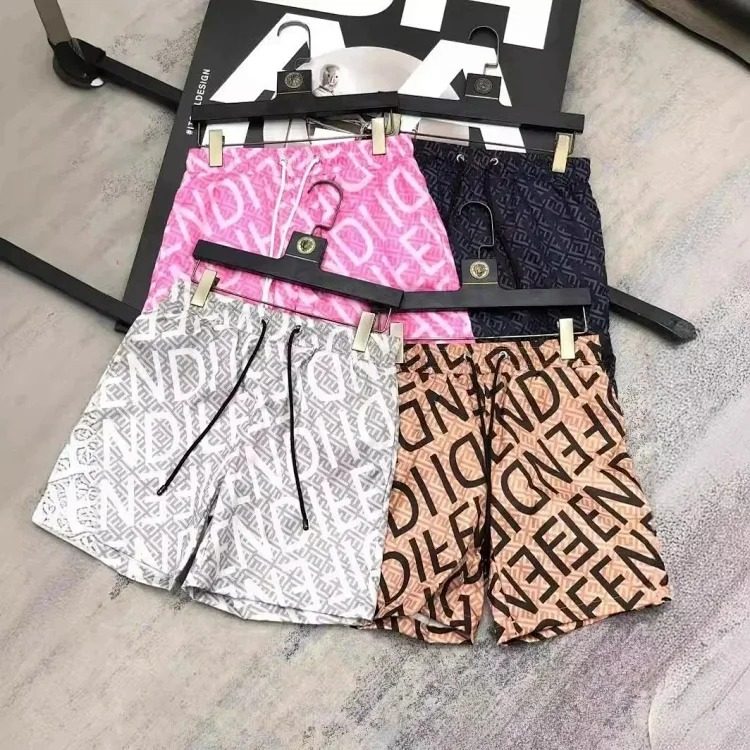
For the footwear entries, prepare an insole-length and pair-symmetry request. For the hoodie, shirt, and jacket, compare flat chest and length measurements with a garment you own. For the trousers, write down waist method, rise, and hem expectations. In every case, check the final parcel effect as well as the image evidence.
Finish with a repeatable evidence record
A reliable comparison record contains the active product link, seller details, selected option, key measurements, dated listing screenshots or notes, QC points, QC outcome, and parcel decision. It need not be complicated. The purpose is to distinguish what was advertised, what the warehouse received, and what you chose to ship. That distinction makes future research faster and helps you avoid repeating assumptions.
Before closing the record, state the decision in one sentence: approved for this parcel, pending a defined QC check, replaced with a backup, or removed from the plan. Include the reason, such as measurement mismatch, missing seller detail, a changed variation, excess parcel volume, or a satisfactory comparison. This final line keeps a buyer from reopening the same uncertain link later and repeating research that was already completed. It also makes a shared product board easier to understand because the evidence and decision remain together.
Review the record again immediately before shipping. Confirm that the product count, selected variations, QC outcome, and packaging choices still match the parcel. If an item has been exchanged or removed, update the list rather than relying on the older listing image. This routine creates a reliable history for future Kakobuy research without assuming that old options, prices, or routes remain current.
Continue with the Kakobuy Best Links Index, browse the news guide library, use the category index, read the link check guide, or open the related shipping-cost planning guide. For current alternatives, browse all Outfitreps products. A calm, documented comparison is more useful than either blind trust in a listing image or overreaction to one warehouse photo.